A job board that updates itself, and the colon that stopped everything
Every day an automated job fetches new vacancies, summarises them and puts them online. Until it did nothing for days, without anyone getting an error. What we learned.
- GitHub Actions
- GitHub
- Mistral
- Vercel
We build job boards for one profession at a time. Not for everyone, but for one trade where employers struggle to find people. A site like that has to be right every day, and nobody has time to copy vacancies by hand every day. So the site does it itself.
This is the story of how that works, and of the time it didn't work for days without anyone noticing.
Measure first, then build
Before we build a site, we check whether the trade is worth it. The bar: enough employers hiring for it every month, people actually searching for it on Google, and no big site already doing it well. If a trade doesn't clear that bar, we build nothing. That saves more time than any automation.
What happens every day
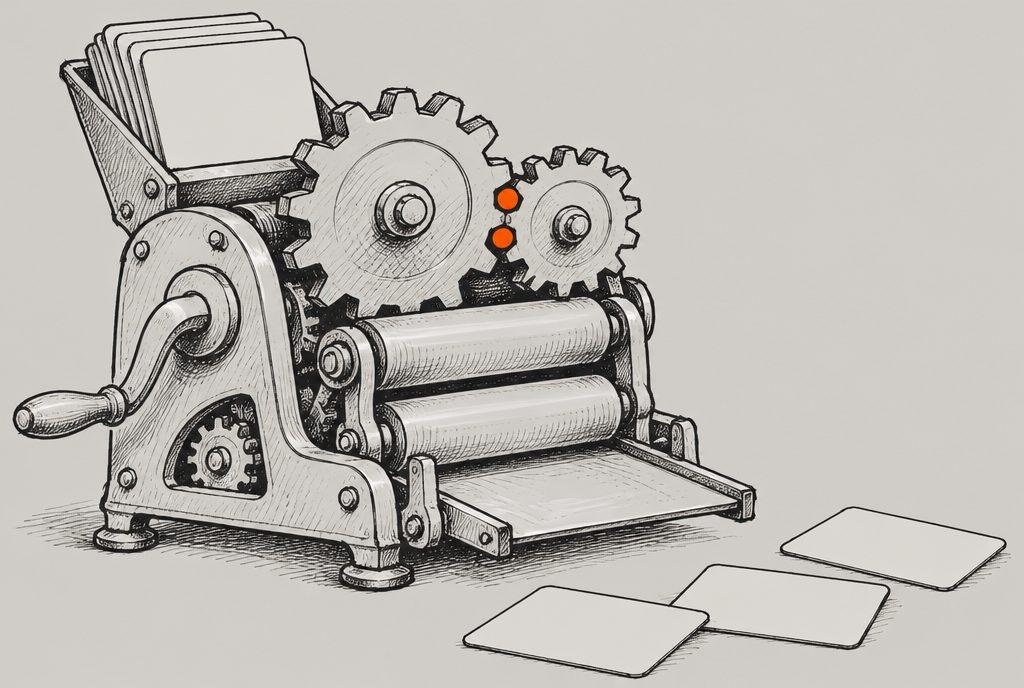
Every day an automated job starts and does five things:
- FetchNew vacancies from employers' own career pages.
- SummariseA European AI model writes its own short summary per vacancy.
- BuildPages per vacancy, per city and per role.
- CheckDo the links work? Is everything there that Google asks for on job postings?
- PublishThe new version is saved and goes live by itself.
Two choices in there are deliberate:
- Only fetch from the employer itself. Never from other job sites. Their collection is protected, and copying it isn't decent. The link on our site always goes to the employer.
- A European model for the summaries. We use Mistral. Vacancy texts aren't secret, but we default to a European provider where we can.
Because everything lives in separate settings (which employers, which regions, which roles, which language), the same setup can be copied to another trade or another country with one command.
On our ladder of automation levels this is level 3: fully automatic. It's internal, it can be rolled back and it's measurable. That was right. But we forgot one thing.
Silent for days, without a warning
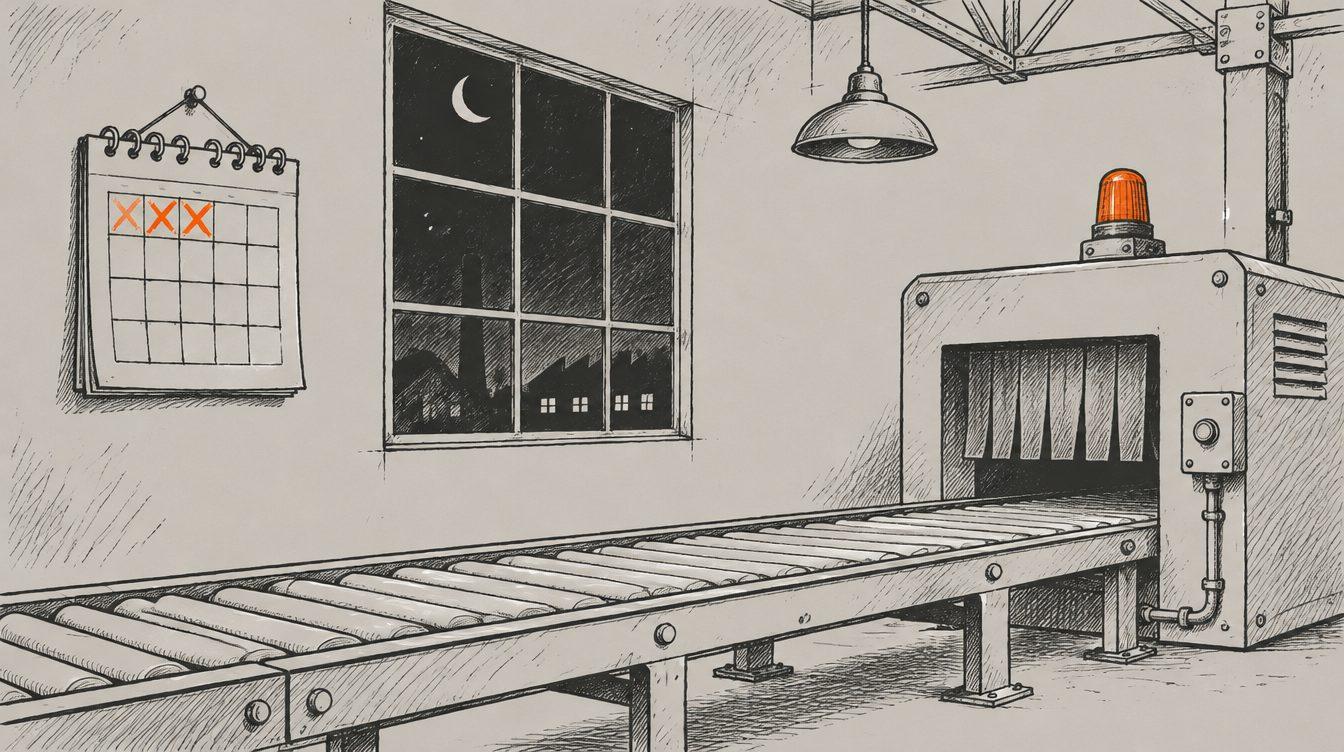
One day we noticed the site hadn't updated for a few days. No error, no email, nothing. There were two causes, and both sat somewhere you don't look quickly.
Cause 1: a colon
The job's settings file had a line with a colon and a space in it, without quotes. To the computer, a colon in that kind of file means "a new setting starts here". So it couldn't read the file any more, and the job simply stopped starting. Nothing went wrong. Nothing happened, that's all.
run: node build.mjs --title Vacancies: todayrun: "node build.mjs --title 'Vacancies: today'"Cause 2: the wrong sender
The job saved its work under the name of a "bot". The service that puts the site online only accepts work from known team members. So the new version was built properly and then quietly held back.
Both were fixed in minutes: quotes around the line, and saving under a known name. Finding them took longer than fixing them.
What we learned
- Did I get an error?
- Is the job still switched on?
- Did it work last week?
- Is the newest vacancy from today?
- Did the site change in the last 24 hours?
- If not: an alert, even without an error
For your business
Is something running automatically for you, like a link between two systems, an export to your accounts or a nightly job? Ask yourself: how would I notice if this stood still for three days?
If the answer is "I wouldn't", you know your first improvement. It doesn't have to be complicated: one check that looks every morning whether the result is there, and sends a message if it isn't. It's a small job, and it prevents days of silence.
This piece was written with the help of AI and checked by a human before it went online.

- Agents
- Automation
- Claude

- Building
- How we work
- Claude
- Next.js
- Vercel