AI does the work, a human presses send
Not everything should be fully automatic. We work with a ladder of levels, and one simple question decides which level a task gets. This piece went online the same way.
- Claude
- Gmail
- GitHub
"Can't AI just take that over completely?" Often it can. But the question isn't whether it can. The question is what happens if it quietly does the wrong thing for a week.
An agent that puts a wrong line in an internal overview is annoying. An agent that sends a wrong email to a customer costs you a relationship. So for every task we first decide where it belongs on the ladder.
The ladder
We use four levels. Level zero is handwork: things that need judgement, relationships or taste. Above that, AI takes over more and more.
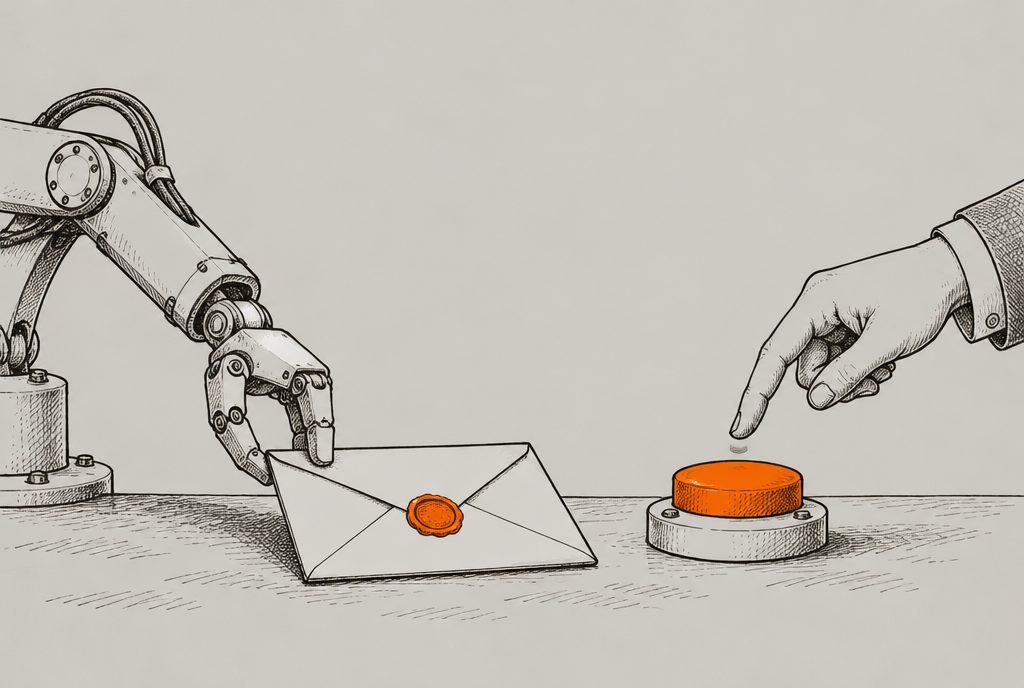
Level 2 is our default for anything that goes outside. The AI does almost all the work. The human keeps the last step: the button.
Four things that always need a human
However good an agent is, these steps stay at level 2 for us:
- Sending something to a person. An email, a message, a quote.
- Spending money.
- Publishing something.
- Deleting something.
What they share: you can't undo them. A sent email doesn't come back, and neither does spent money.
The question that decides
A few examples from our own work:
| Task | Does it cost money or a relationship? | Level |
|---|---|---|
| Fetching new vacancies every day and updating a job board | No: if it goes wrong, you see it and roll it back | 3 |
| Sorting incoming articles; anything unrelated gets a short note | No: everything stays in the archive | 3 |
| Preparing draft replies to customer emails | Yes: a wrong reply reaches a customer | 2 |
| Preparing a monthly report and invoice for a client | Yes: it's about money | 2 |
| Putting a new blog post online | Yes: it's public | 2 |
What level 2 looks like in practice
Every working day at seven, an agent goes through the inbox. It writes draft replies to customer questions, reminders for emails that have been open for a few days, and follow-ups for conversations that stalled. Everything is waiting as a draft. At the top sits one overview: this is what's ready today.
- 07:00The agent reads the inbox and the list of open conversations.
- DraftsReplies, reminders and follow-ups are prepared.
- OverviewOne message at the top: this is what's ready today.
- One tapA person reads, edits where needed, and presses send.
The key detail: the connection to the inbox can technically only create drafts. It cannot send, not even if someone asks it to. So the line isn't an agreement, it's built into the technology.
The monthly report for a client works the same way. The agent pulls the numbers from the systems and writes the report and invoice in the tone of earlier emails. But it doesn't fill in the hours worked. Only a person knows those, so it leaves that field empty and asks.
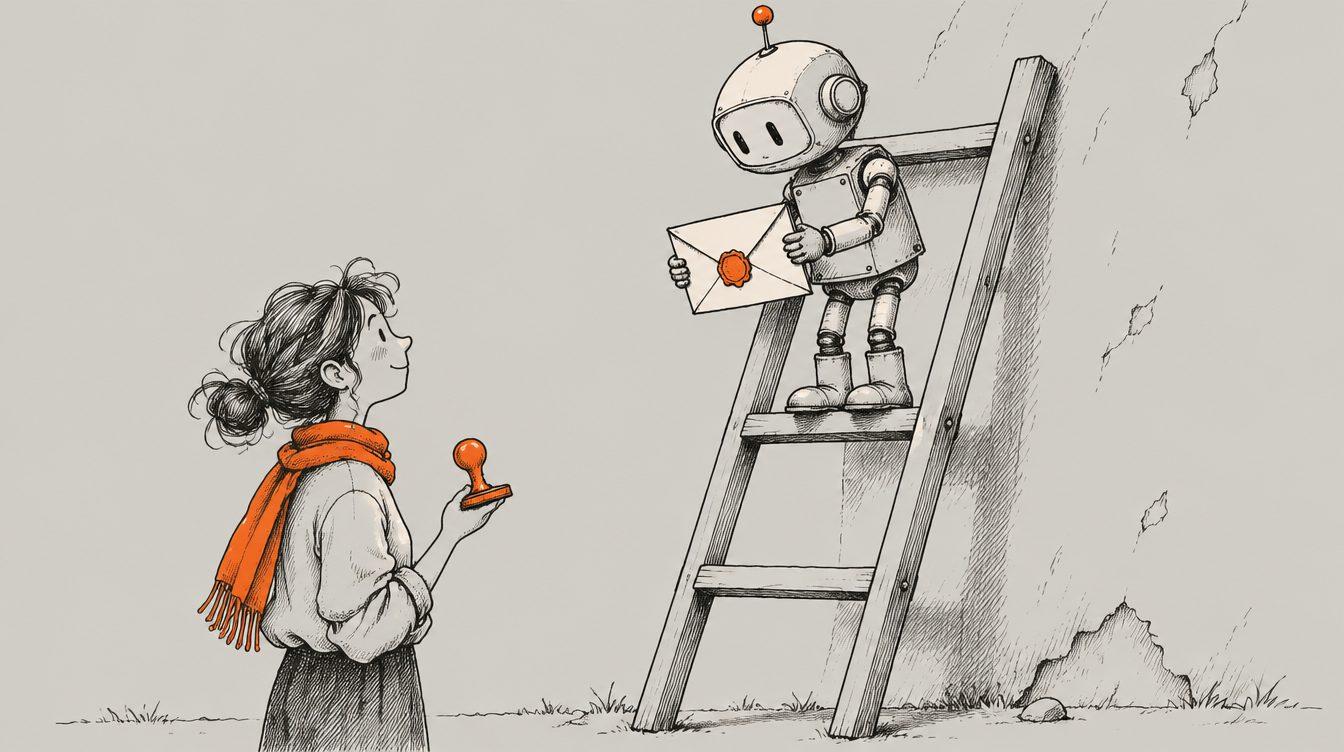
Why not make everything fully automatic?
Because mistakes outside are different from mistakes inside. You fix a wrong line in an internal overview in a minute. You can't take back a wrong email to a customer.
You also learn from drafting. You see every day what the agent proposes, and you quickly notice what it's good at and what it isn't. You don't build that trust if everything leaves unseen.
One more thing we learned: measure the right thing. We don't measure how many drafts an agent makes. We measure how often a person presses send. A pile of drafts nobody sends isn't automation. It's a new pile of work.
- How many drafts did the agent make?
- Did the job run today?
- How often did a person press send?
- Did a reply come back?
And the law?
This fits the thinking behind the European AI Act: human oversight where it matters. For most small businesses this isn't about heavy obligations, but about clarity: do you know which AI you use, and where a person checks? Want to learn to work with an assistant like this yourself, at your own pace? See the personal training.
This piece too
This blog post was written by an agent, based on our own notes. It only went online after a person had read it and pressed "publish". Level 2.
Apply it yourself
Make a list of everything you do each week. Next to each task, write two things: can I undo it? and would a week of mistakes cost money or a relationship? Whatever scores "yes, undoable" and "no, costs nothing" can go fully automatic. Put the rest on draft and tap. You keep the button, and you lose the hours.
This piece was written with the help of AI and checked by a human before it went online.

- Agents
- Automation
- Claude

- Building
- How we work
- Claude
- Next.js
- Vercel