Our business runs on a folder of text files
Everyone rents the same AI models. What your AI knows about your own business is the difference. Here is how we keep track of it: one folder, plain text, and an agent as the librarian.

- Obsidian
- Claude
- Markdown
- GitHub
Any business can rent the same AI models today, for roughly the same money. So the model is not your edge. What the model knows about your work is: your customers, your agreements, what you already tried and why it didn't work.
For us, that knowledge lives in one folder of ordinary text files. An agent reads the folder before it starts a task, and writes to it when it's done. This piece shows what the folder looks like, which rules keep it useful, and how to start small yourself.
The problem: knowledge that is everywhere and nowhere
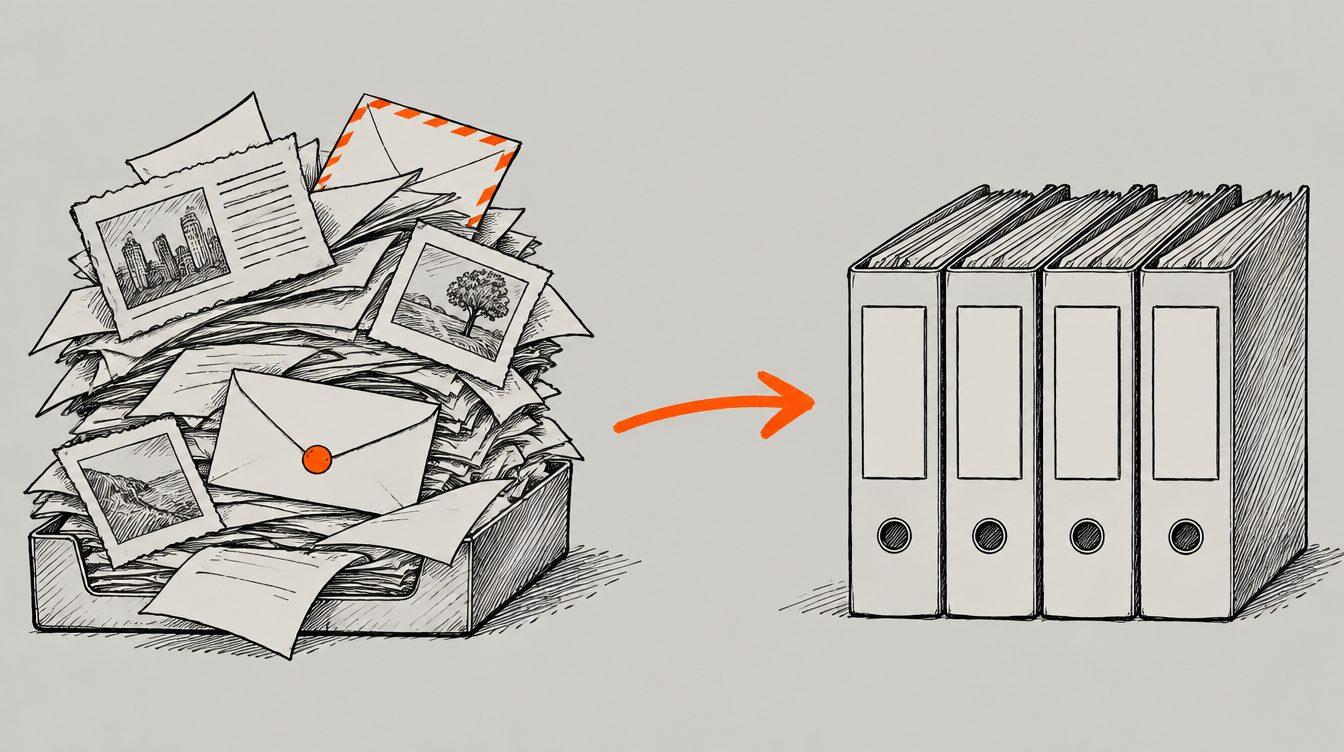
A small business has no knowledge base. It has an inbox, a few chat threads, a downloads folder, notes on a phone and a lot in someone's head. That works as long as you remember everything yourself. It breaks the moment you let an AI assistant do something. It starts from zero every time, without knowing what you decided yesterday.
You can fix that by typing a long explanation every time. Or you put that explanation in one fixed place, once, and let the agent read it.
What the folder looks like
No database, no special software. Just folders and text files in Markdown that open in any editor. We use Obsidian to read and search them, but that's a choice, not a requirement.
- inbox/Everything we come across: an article, a post, an email, notes from a call. Just drop it in.
- archive/The original, after processing. Nothing is ever deleted from here.
- projects/One page per product, with the current state and the next step at the top.
- ideas/One page per idea, with an honest verdict: build, wait, or leave it.
- playbooks/How we do things, so we never have to figure them out twice.
- rules.mdThe house rules. The most important file of all.
- log.mdWhat was done when, one line per action.
Every page starts with a few fixed fields at the top: when it was made, where the information came from, and for a project, its status. It looks like bureaucracy, but it lets an agent search and summarise the folder without having to guess.
The agent is the librarian
Processing what comes in is the task that recurs most often for us. More often than building, more often than email. So that was the first job an agent got.
- ReadThe agent reads the whole piece, plus the project pages.
- SortDoes it belong to a project, is it an idea, a playbook, or nothing?
- WriteUpdating an existing page comes before making a new one.
- ArchiveThe original goes to the archive, one line goes in the log.
If something has nothing to do with anything, it gets a short note and nothing more. No long summary of something you'll never use. That sounds strict, but without that rule the folder fills up with interesting things nobody reads again.
Important: the agent proposes first and asks. It shows what it thinks of a piece and where it would file it. Only then does it write. That way the human stays the editor, and the agent stays the librarian.
The rules that make it reliable
A folder full of text quickly turns into a mess. A few hard rules keep it useful:
- Every page names its source. A claim without a source doesn't belong.
- Never invent numbers. If we don't know something, the field stays empty. That empty field comes back later as a question.
- Update rather than add. A new page has to argue for itself. New information usually belongs to something that's already there, and it often contradicts something that needs fixing.
- The overview is generated, not typed. The page with the state of all projects is rebuilt from the project pages. Nobody edits it by hand, so it can't drift away from reality.
- Everything in a log, everything backed up. Every change is recorded and goes to private storage online. The archive and the log are only ever added to, never rewritten.
The rhythm: what happens on its own
A folder doesn't maintain itself. So there are a few fixed moments in the agents' calendar:
- Every sessionFetch the latest version first; at the end, save everything and push it online.
- Every SundayRebuild the overview, plus a check: what has stalled, what is out of date, what contradicts what? Proposals only, no changes.
- Every monthMove older log months to the archive, and prepare the question: what do we keep, what do we pause, what do we stop?
The Sunday check never changes anything itself. It writes a report. A person reads it and decides. That way an agent can never quietly "tidy up" half your knowledge.
Why this works
A new hire reads the handbook first. So does an agent. The rules file is really an onboarding document: what we build, for whom, what we never do, and how we want things done. The better that file, the less you have to explain with every question.
Two more benefits only show up later:
- You're not locked in. It's all plain text. Tomorrow a different model, or a different program, can read the same folder.
- You see your own patterns. Because everything is in the log, you can look back. What do we keep doing by hand? That's the next thing an agent can take over.
Start yourself
You don't need a big system. Start with three things:
- One inbox folder where anything can go.
- One rules file with what your business does, for whom, and what you never want.
- One page per customer or project with the next step at the top.
Let an agent keep that folder. For every piece, ask it first: where does this belong, and what does it change? After a month, look at what you can find again, and what you no longer have to explain.
This piece was written with the help of AI and checked by a human before it went online.
- Money & markets
- Agents
- Claude
- NVIDIA
- Mistral

- Agents
- Automation
- Claude